Guides
How to make an Outstanding Tiny Desk AI video
Plan your cast and prepare a clear photo for each person you want to feature.
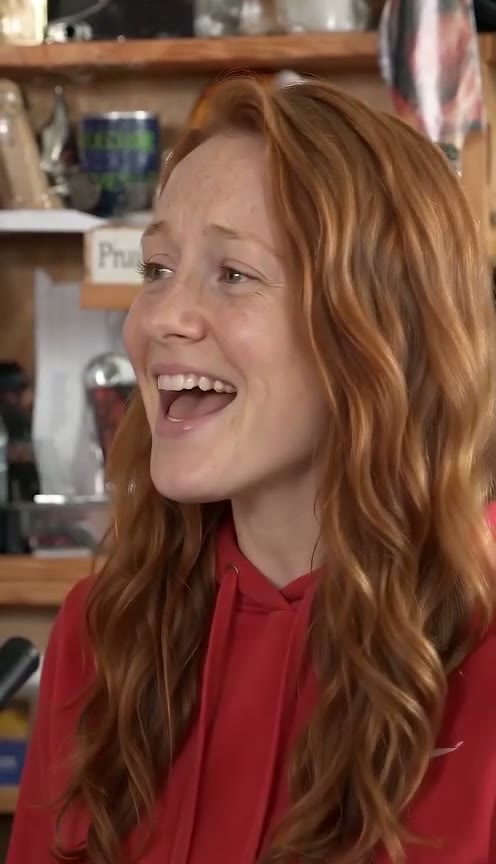 Example made from AI-generated photos
1. Pick a clear photo
Use a well-lit, front-facing photo with one visible face. Avoid sunglasses, group photos and heavy filters.
2. Choose the roles
Add the lead first. Add a keyboard player or sax player if you want more people in the scene.
3. Review before continuing
Check each photo and the parody acknowledgement. Video generation and download will be available after the backend is connected.