Guides
How to make a Tiny Desk AI video
Prepare a photo, choose the roles and review your scene in a few simple steps.
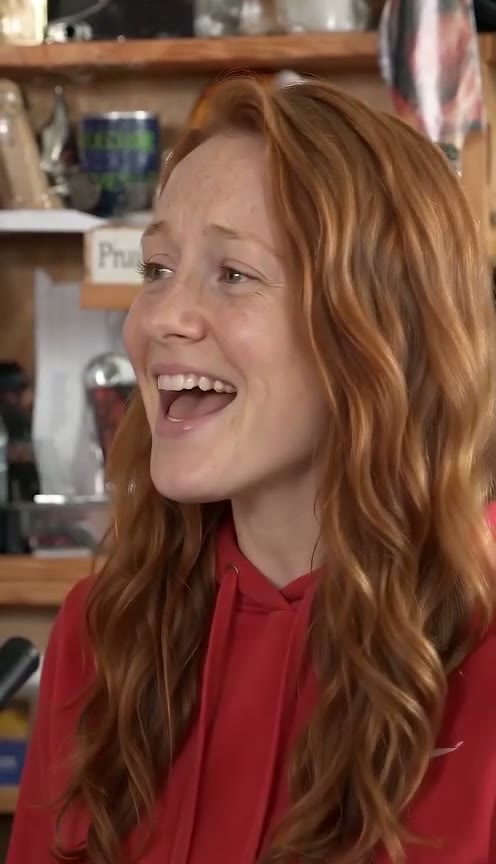 Example made from AI-generated photos
1. Prepare the photo
Choose one person, facing the camera, in good light. Keep the face unobstructed and avoid group shots.
2. Place your cast
Select the lead photo in the generator. Add optional photos for the keyboard and saxophone roles.
3. Review the scene
Check your selections and the parody acknowledgement. Generation and downloads are not connected in this preview.